LING 398
Elsayed Issa
Spring 2026

Python Programming - Installation

1. Check if Python is installed

Mac

  • Open your terminal and type:
python --version

Windows

  • Open Powershell and type:
    python --version
    

2. Installation options:

  • You can choose one of the following two options:
    1. Official Installer https://www.python.org/
    2. Anaconda https://www.anaconda.com/

Official Installer

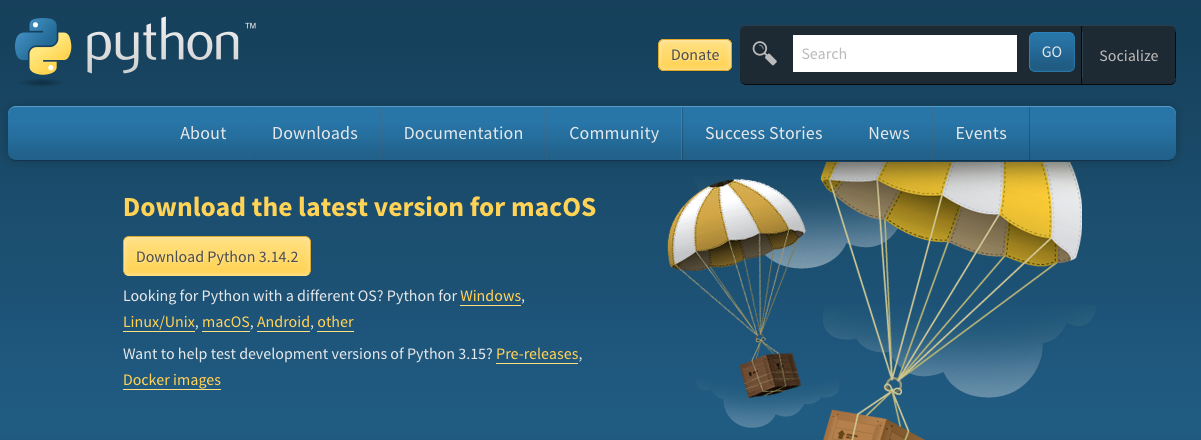
  1. Go to the download page here: download python p1
  1. Download the latest version
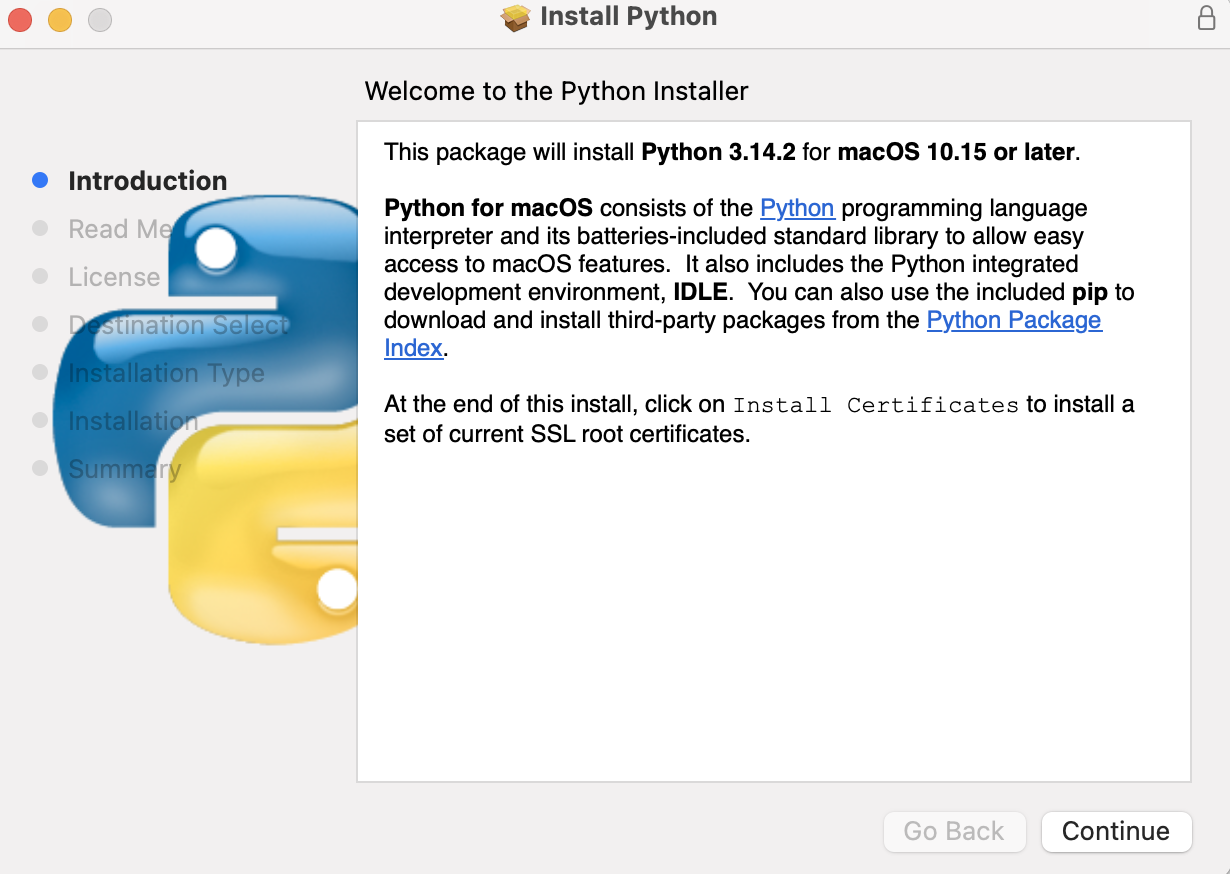
  2. When the download is finished, run the installer by double-clicking the downloaded file. You should see a window like this one:

p2

  1. press continue and it is recommended not to change the destination for installation.
  1. After you are done, type python --version in your terminal to see the latest python version.

NOTE:

  • For Windows users, you can do the same steps and choose Install Now. Please do not choose Custom installation.
  • Please do not check any checkboxes you see.

NOTE:

  • You will need to install Jupyter Notebook if you choose this installation option. So, let's do in class together.
Anaconda

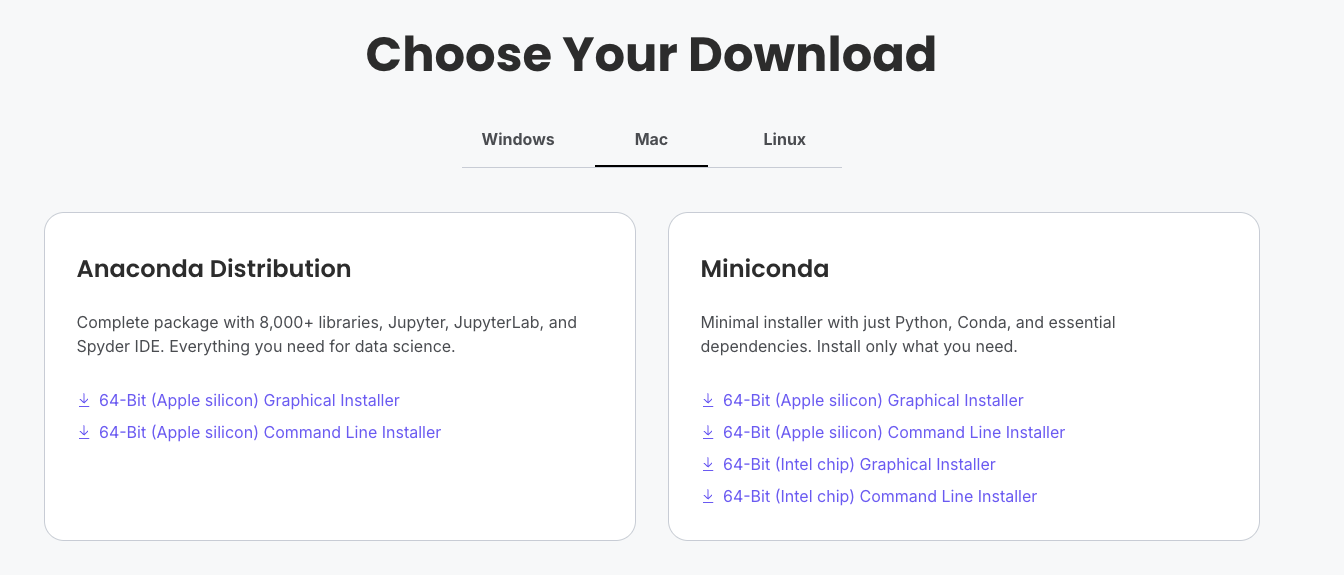
  1. Go to the download page here: dowonload
  2. Get FREE access. Please do not purchase anything.
  3. Choose the Graphical Installer for Anaconda distribution.

p3

  1. Download the latest version for your operating system.
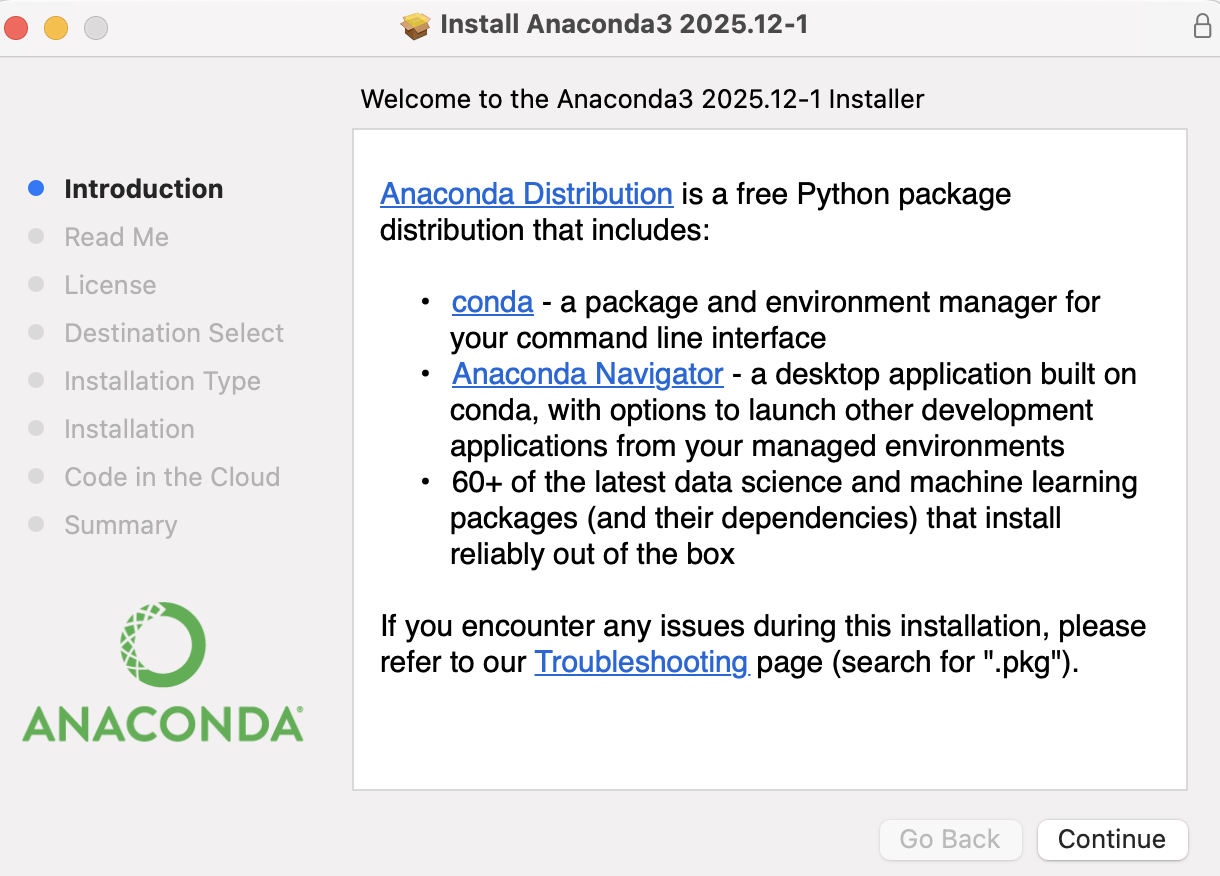
  2. When the download is finished, run the installer by double-clicking the downloaded file. You should see a window like this one:

p4

  1. press continue and it is recommended not to change the destination for installation.
  2. You should search you machine for Anaconda Navigator and see the following:
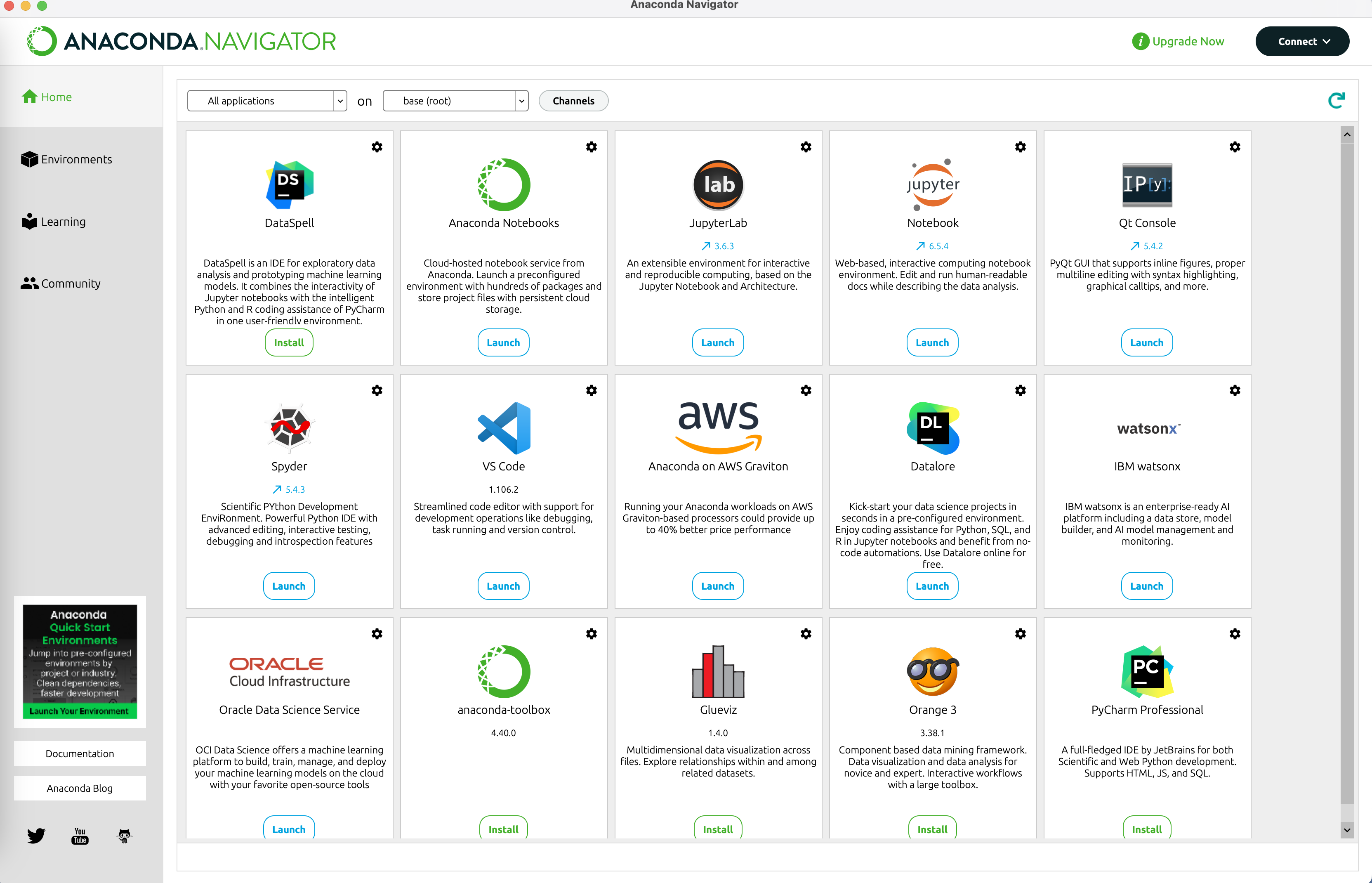
p5

Python playground

  • Python
  • Python Fiddle

Installation Troubleshooting

  • Anaconda troubleshooting: https://docs.anaconda.com/free/anaconda/reference/troubleshooting/
In [ ]: